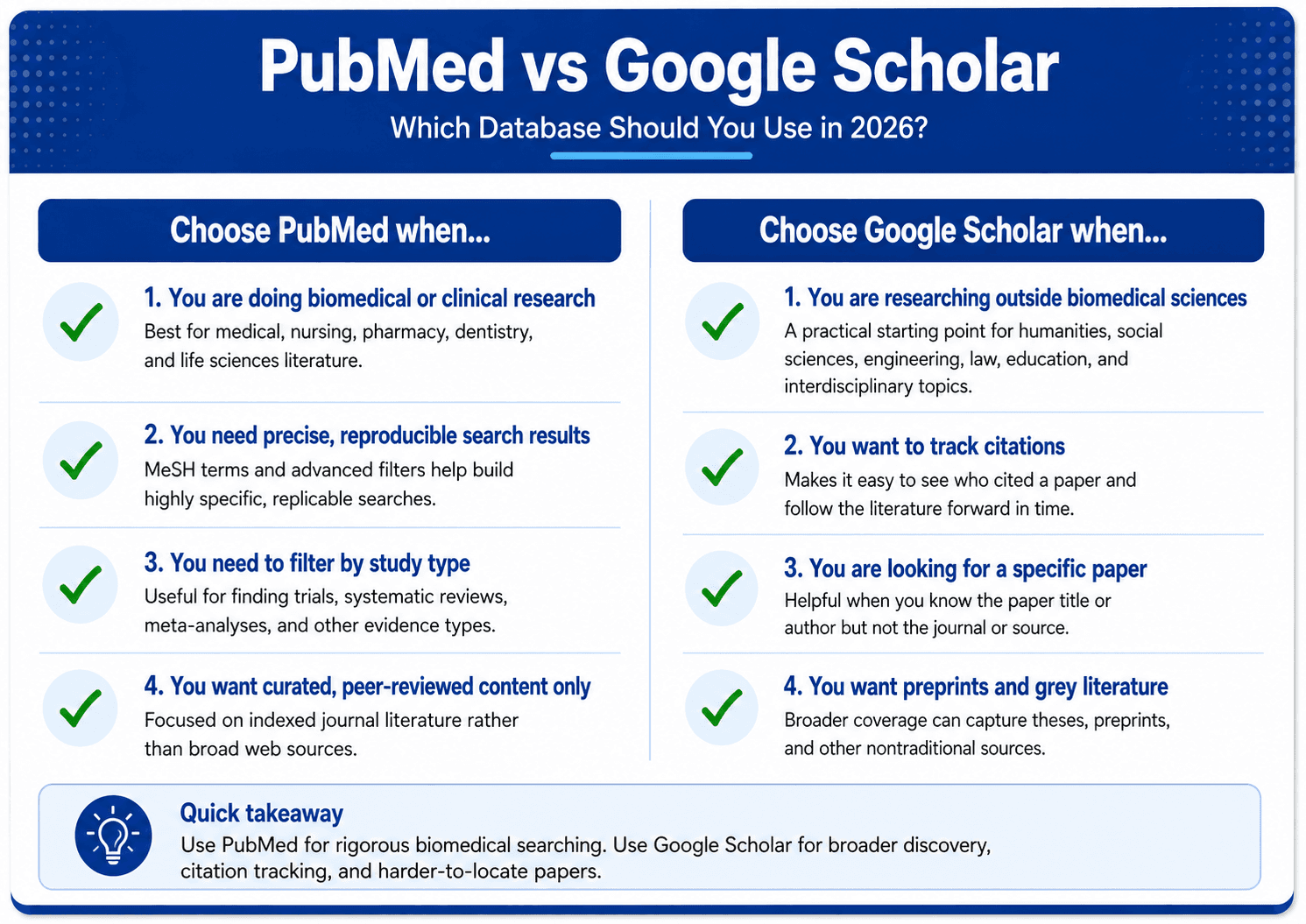
PubMed vs Google Scholar: Which Database Should You Use in 2026?
May 6, 2026
If you have spent any time doing academic research, you have almost certainly used both PubMed and Google Scholar. They are the two most widely used academic search tools in the world — and they are often treated as interchangeable. They are not.
PubMed and Google Scholar are built for different purposes, have different coverage, and produce different results for the same search. Understanding the difference between them — and knowing when to use each one — is one of the most practical improvements any researcher can make to their literature search workflow.
What Is PubMed?
PubMed is a free database maintained by the National Library of Medicine at the National Institutes of Health. It indexes over 36 million citations from biomedical and life sciences journals, with coverage going back to the 1960s.
PubMed is a curated database — which means every journal and paper it includes has been assessed and selected for inclusion. This curation is one of its greatest strengths: if a paper is in PubMed, it has been published in a peer-reviewed journal that meets the NLM's indexing criteria.
Key characteristics of PubMed:
Covers biomedical, clinical, and life sciences literature
Includes MeSH (Medical Subject Headings) controlled vocabulary for precise searching
Offers advanced filters for study type, date, species, language, and more
Free full-text access for many papers via PubMed Central
Curated — every paper has been assessed for inclusion
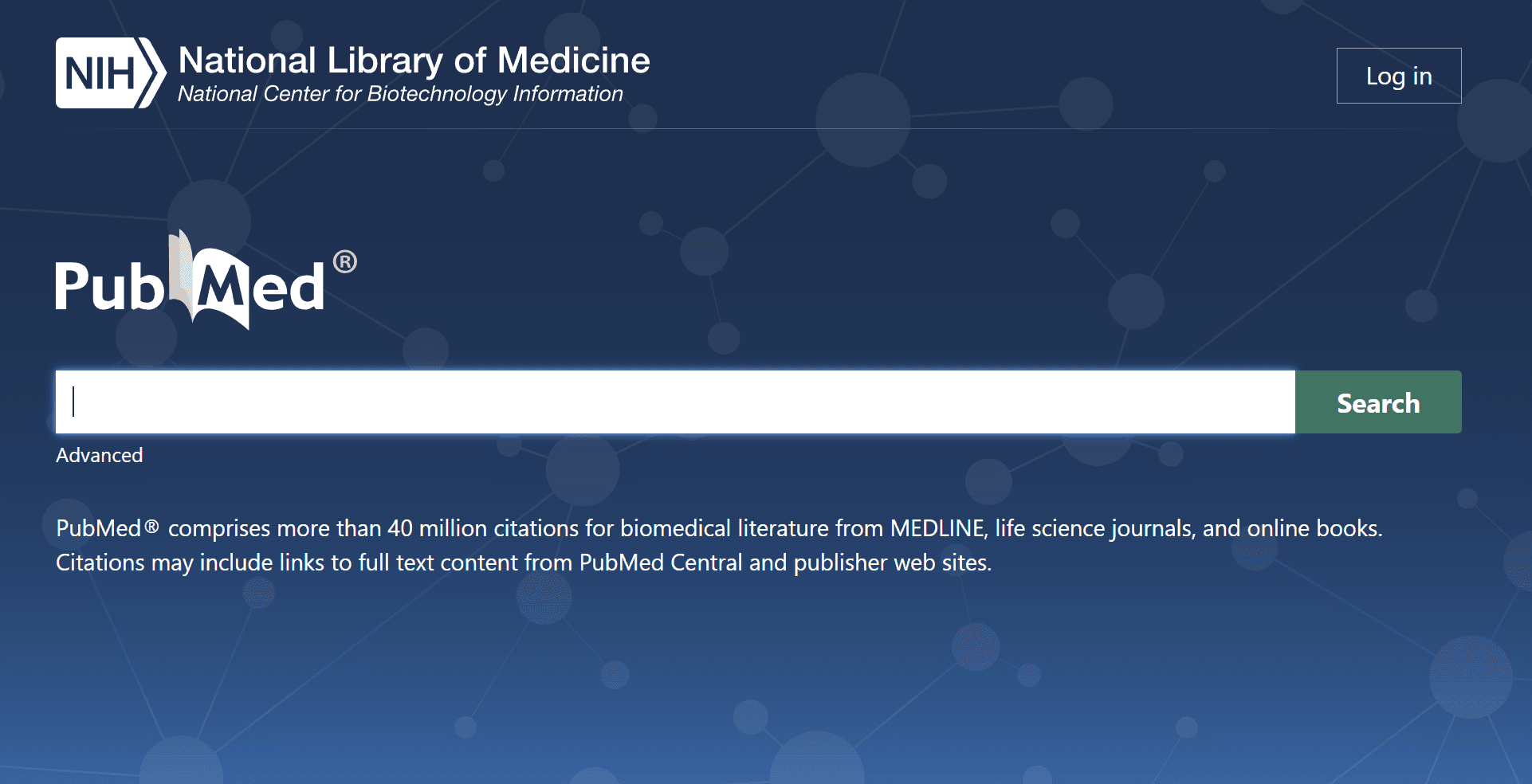
Caption: PubMed is the gold standard database for biomedical and clinical research, with over 36 million indexed citations
What Is Google Scholar?
Google Scholar is a freely accessible academic search engine launched by Google in 2004. Unlike PubMed, it is not curated — it indexes academic content automatically from across the web, including journal articles, theses, books, preprints, court opinions, and patents.
Google Scholar's strength is its breadth. It covers virtually every academic discipline and indexes content from thousands of publishers, institutional repositories, and preprint servers. Its weakness is its lack of curation — the quality of indexed content varies significantly, and it can be difficult to filter results precisely.
Key characteristics of Google Scholar:
Covers all academic disciplines
No curation — indexes content automatically
Includes citation counts and links to citing papers
Limited advanced filtering compared to PubMed
Includes preprints, theses, and grey literature alongside peer-reviewed papers
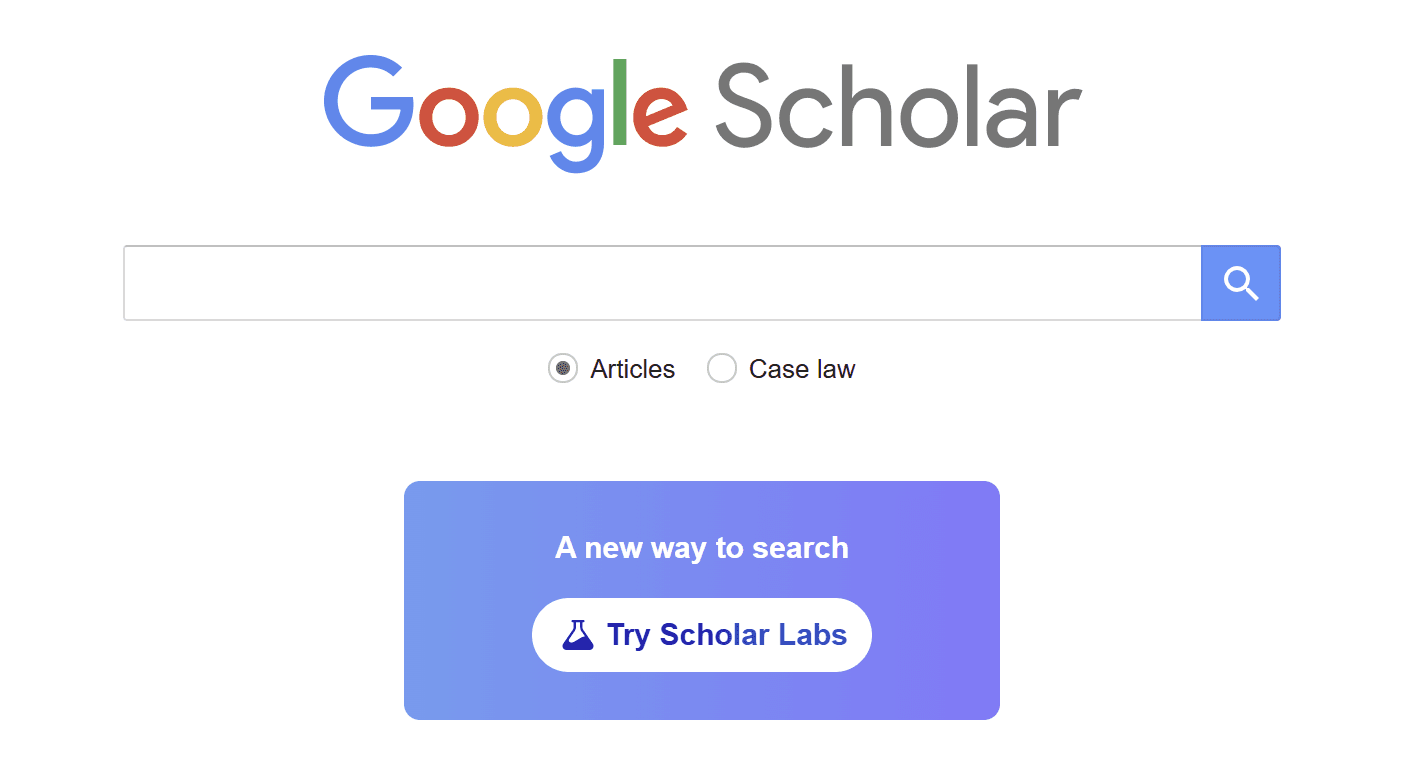
Caption: Google Scholar covers all academic disciplines but lacks the curation and advanced filtering of specialist databases like PubMed
PubMed vs Google Scholar: Head-to-Head Comparison
Feature | PubMed | Google Scholar |
|---|---|---|
Coverage | Biomedical and life sciences | All disciplines |
Curation | ✅ Curated and indexed | ❌ Automated indexing |
MeSH Terms | ✅ Yes | ❌ No |
Advanced Filters | ✅ Extensive | ⚠️ Limited |
Citation Tracking | ⚠️ Limited | ✅ Strong |
Preprints | ⚠️ Limited | ✅ Included |
Grey Literature | ❌ No | ✅ Included |
Full Text Access | ✅ Via PubMed Central | ⚠️ Variable |
Price | Free | Free |
Caption: A full comparison of PubMed and Google Scholar across the features that matter most to researchers
When to Use PubMed
PubMed is the right choice when:
You are doing biomedical or clinical research. PubMed's coverage of medical, nursing, pharmacy, dentistry, and life sciences literature is unmatched. If your research question involves human health or biology, PubMed should be your primary database.
You need precise, reproducible search results. PubMed's MeSH term system and advanced filters allow you to construct highly specific searches that return consistent, reproducible results. This is essential for systematic reviews, which require documented, replicable search strategies.
You need to filter by study type. PubMed allows you to filter results by publication type — randomised controlled trials, systematic reviews, meta-analyses, clinical trials, and more. This is invaluable when you need a specific type of evidence.
You want curated, peer-reviewed content only. Because PubMed only indexes journals that meet its inclusion criteria, every result is from a peer-reviewed source. There is no need to filter out theses, preprints, or grey literature.
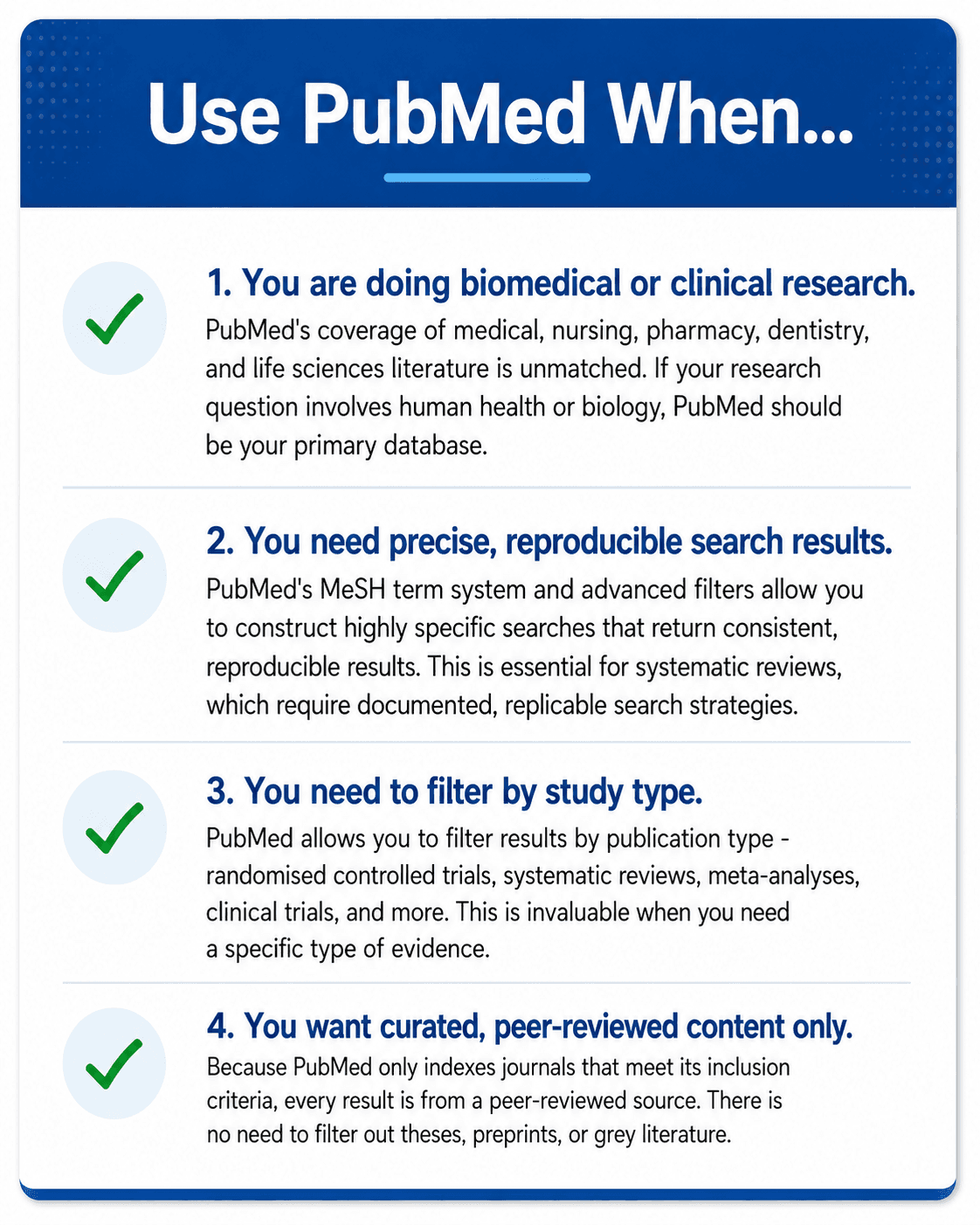
Caption: PubMed is the right choice for biomedical research, systematic reviews, and any search requiring precise filtering and reproducible results
When to Use Google Scholar
Google Scholar is the right choice when:
You are researching outside biomedical sciences. For humanities, social sciences, engineering, law, education, and interdisciplinary topics, Google Scholar's broad coverage makes it the more practical starting point.
You want to track citations. Google Scholar's citation tracking is significantly more useful than PubMed's. You can see how many times a paper has been cited and click through to all the papers that cite it — one of the most effective ways to trace a literature forward in time.
You are looking for a specific paper and do not know where it is published. Google Scholar's breadth makes it the fastest way to locate a specific paper if you have the title or author name.
You want to include preprints and grey literature. If your review requires comprehensive coverage including preprints and theses, Google Scholar captures this content that PubMed does not.
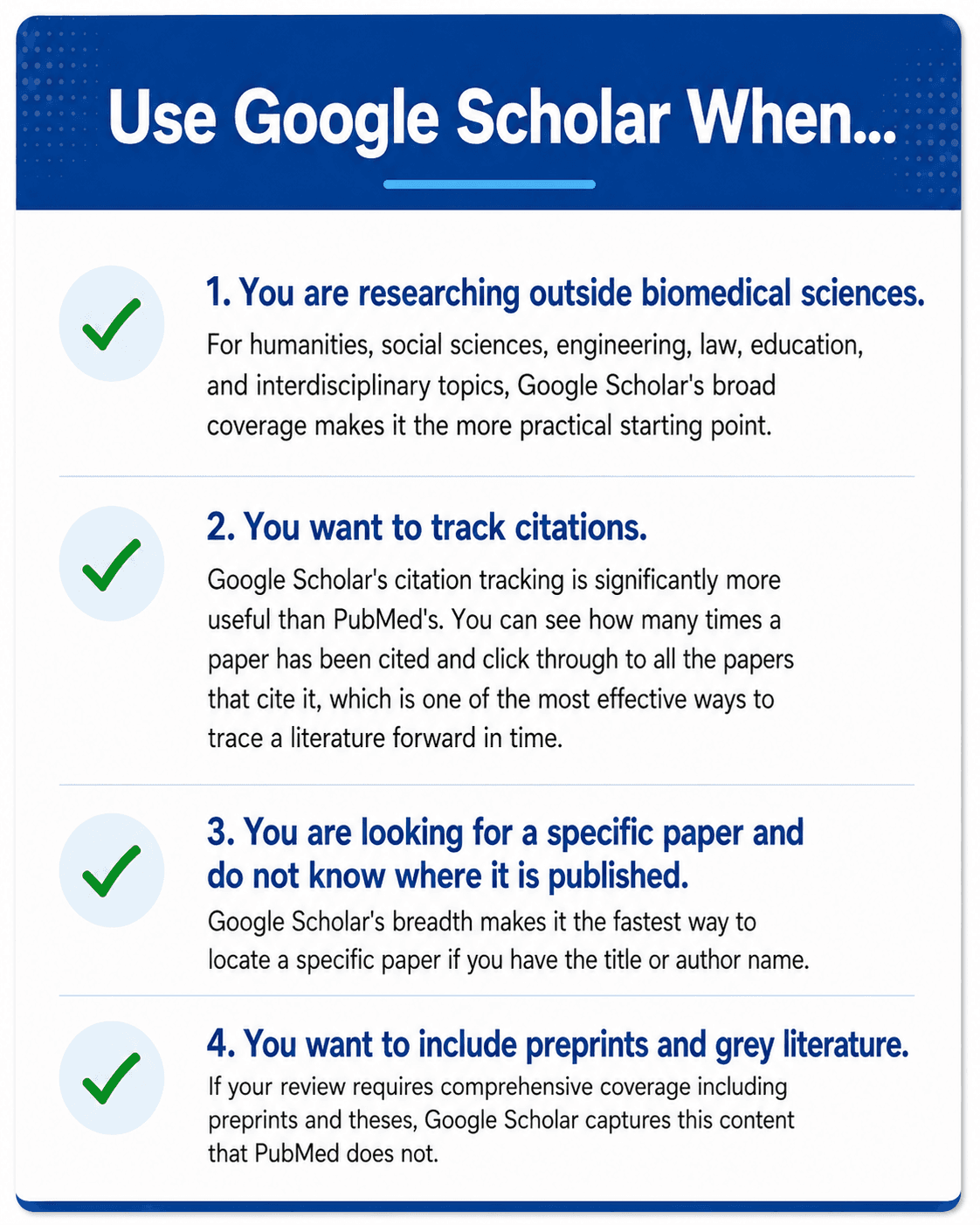
Caption: Google Scholar is the better choice for non-biomedical disciplines, citation tracking, and searches requiring broad coverage including preprints
The Case for Using Both — And Going Further
The honest answer to PubMed vs Google Scholar is that for most serious literature reviews, you should use both — and neither alone is sufficient for comprehensive coverage.
Systematic review guidelines from organisations like Cochrane explicitly recommend searching multiple databases, and PubMed and Google Scholar together still leave gaps — particularly in discipline-specific databases like Embase, PsycINFO, and CINAHL.
This is where multi-database search platforms change the workflow significantly. Rather than running separate searches in PubMed, Google Scholar, arXiv, and DOAJ and then deduplicating the results manually, platforms like PACR allow researchers to search across multiple databases simultaneously from a single interface — with AI synthesis layered on top to surface the most relevant findings.
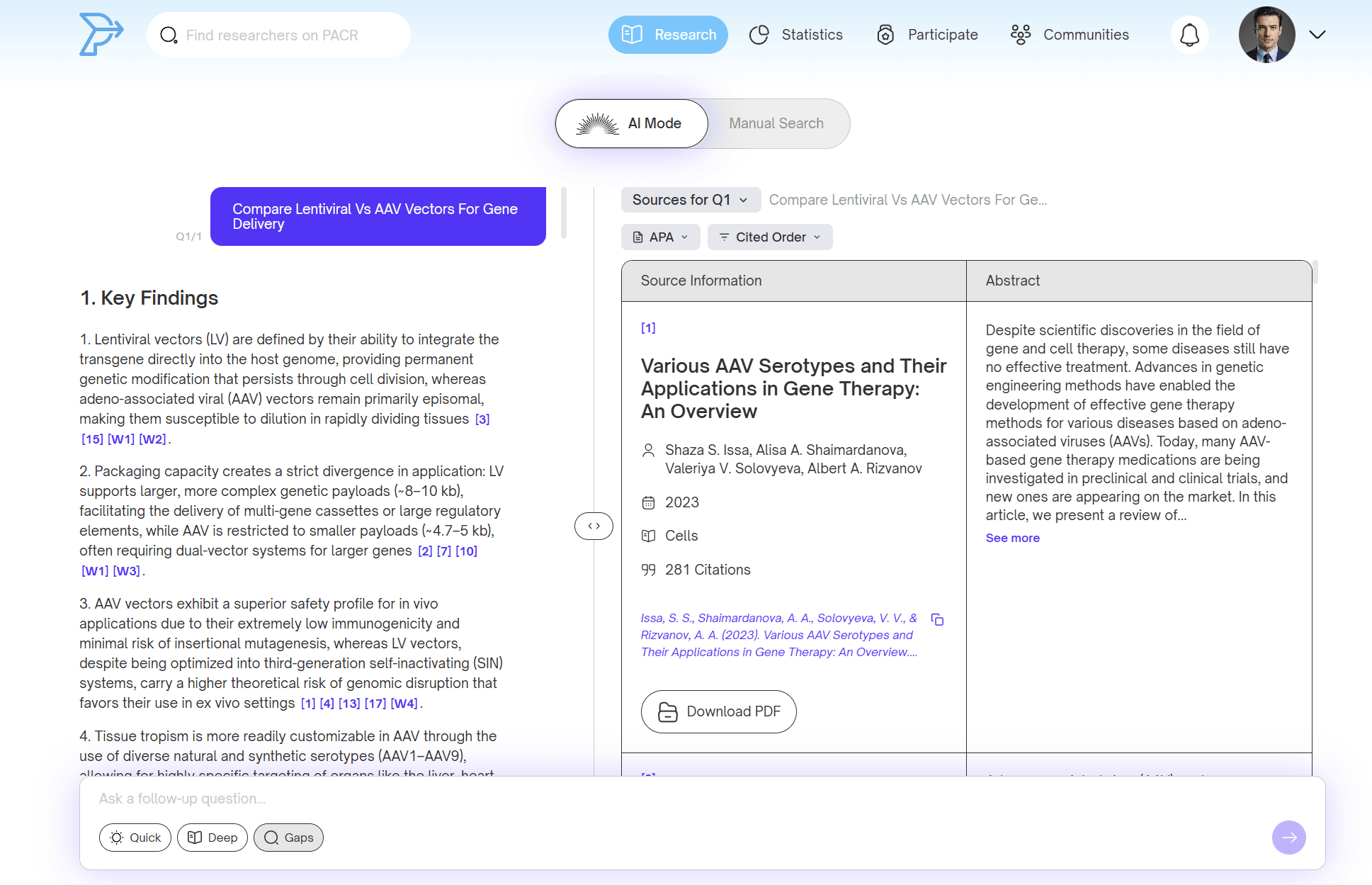
Caption: PubMed and Google Scholar together still leave coverage gaps that multi-database platforms like PACR address
PubMed Tips for Better Results
Use MeSH terms. MeSH (Medical Subject Headings) are controlled vocabulary terms that PubMed uses to index papers. Searching with MeSH terms catches papers even when authors use different terminology. To find the right MeSH term, use the MeSH database at mesh.nlm.nih.gov.
Use the filters panel. The filters on the left side of PubMed results allow you to narrow by date, article type, species, language, and more. Using filters strategically can dramatically reduce the number of irrelevant results.
Use the Boolean operators correctly. AND narrows your search, OR broadens it, NOT excludes terms. Combining these with MeSH terms gives you precise control over your search results.
Set up email alerts. PubMed allows you to save searches and receive email alerts when new papers matching your search are published. This is one of the most effective ways to stay current in a specific area.
Google Scholar Tips for Better Results
Use the cited by feature. Clicking "cited by" under any paper shows you all the papers that have cited it. This is one of the most powerful discovery tools available — start with a key paper and trace forward through the literature.
Use the date filter. The left sidebar in Google Scholar allows you to filter results by date range. Always use this when you want recent literature.
Search by author. If you know a key researcher in your field, searching their name in Google Scholar will show all their publications and the papers that cite them.
Use quotation marks for exact phrases. Searching "systematic review" in quotes ensures Google Scholar returns papers containing that exact phrase rather than the words separately.
FAQ
Is PubMed or Google Scholar better? Neither is universally better — they serve different purposes. PubMed is better for biomedical and clinical research requiring precise, curated results. Google Scholar is better for broad coverage across all disciplines and citation tracking. Most researchers benefit from using both.
Is PubMed free? Yes, PubMed is completely free to use. Access to full-text papers varies — many are available free through PubMed Central, while others require journal subscriptions or institutional access.
Does Google Scholar include peer-reviewed papers only? No. Google Scholar indexes peer-reviewed papers alongside preprints, theses, book chapters, and other academic content. You need to evaluate the source of each result individually.
Can I use PubMed for non-medical research? PubMed's coverage is focused on biomedical and life sciences. For research outside these fields, Google Scholar or discipline-specific databases are more appropriate.
What is the best way to search multiple databases at once? Running separate searches in multiple databases and deduplicating results manually is time-consuming. PACR allows you to search PubMed, arXiv, CrossRef, and DOAJ simultaneously from a single interface, with AI synthesis to surface the most relevant findings. Also see our guide on how to do a systematic literature review and our full comparison of the best research paper summarizer tools in 2026